
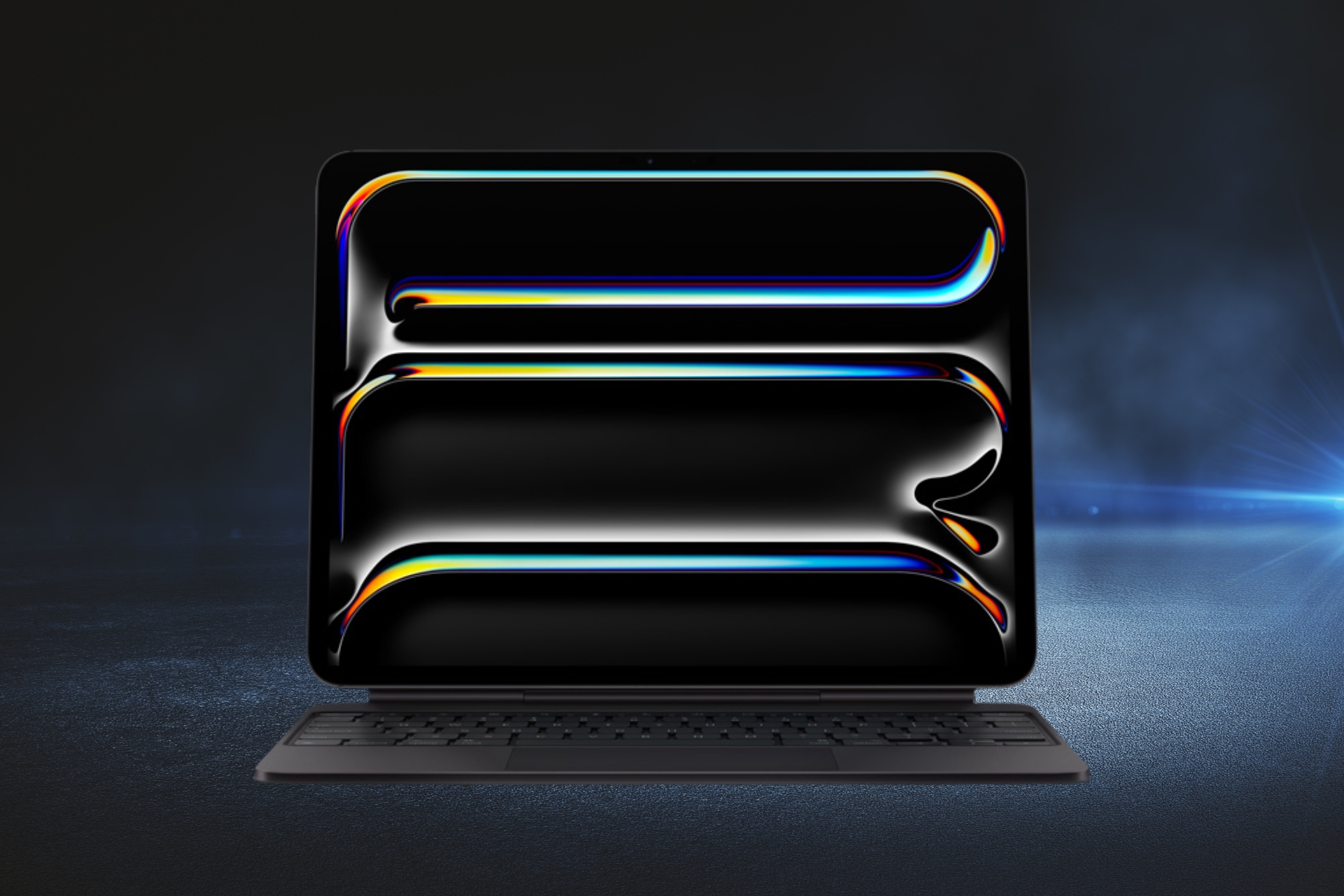
Why the iPad Pro M5 Sets a New Bar for Performance
Apple iPad Pro M5
You’re looking at the latest iPad Pro, and on the surface it’s easy to think nothing much has changed. The slate‑thin chassis, premium build and (let’s be honest) pretty hefty price tag will feel familiar if you’ve seen previous Pro models. But inside, the new M5 chip, the new networking modules (N1 for Wi‑Fi 7/Bluetooth 6/Thread and C1X for 5G) and the addition of fast‑charging support represent meaningful upgrades.
You’ll pay the premium for this device—so it had better deliver—and Apple clearly thinks it must. If you’re using one of the older iPads (say, M1 or older), you’ll see meaningful gains. But if you already own last year’s iPad Pro with an M4 chip, the difference may be less urgent.
Power and Performance:
Let’s talk specs. The M5’s most important change lies in its GPU: it now includes dedicated “neural accelerators” on each of its cores. That gives it major muscle for tasks tied to AI, graphics or ray‑tracing. According to benchmarks, GPU performance is up to 30 % faster than the M4, and ray‑tracing engine performance sees up to a 45 % uplift.
CPU gains are more modest—single‑core gains around 15 %, multi‑core perhaps 10 %. But when you switch to AI workloads via the GPU or Neural Engine, you’re talking major leaps (for example, up to 85 % or more improvements on quantized AI tasks).
If you’re into creative work, editing video, running demanding 3D apps, heavy multitasking or future‑proofing for AI workflows—this device shines. But if your typical day involves browsing, streaming and everyday tasks, the upgrade may not feel dramatic.
Display and Design
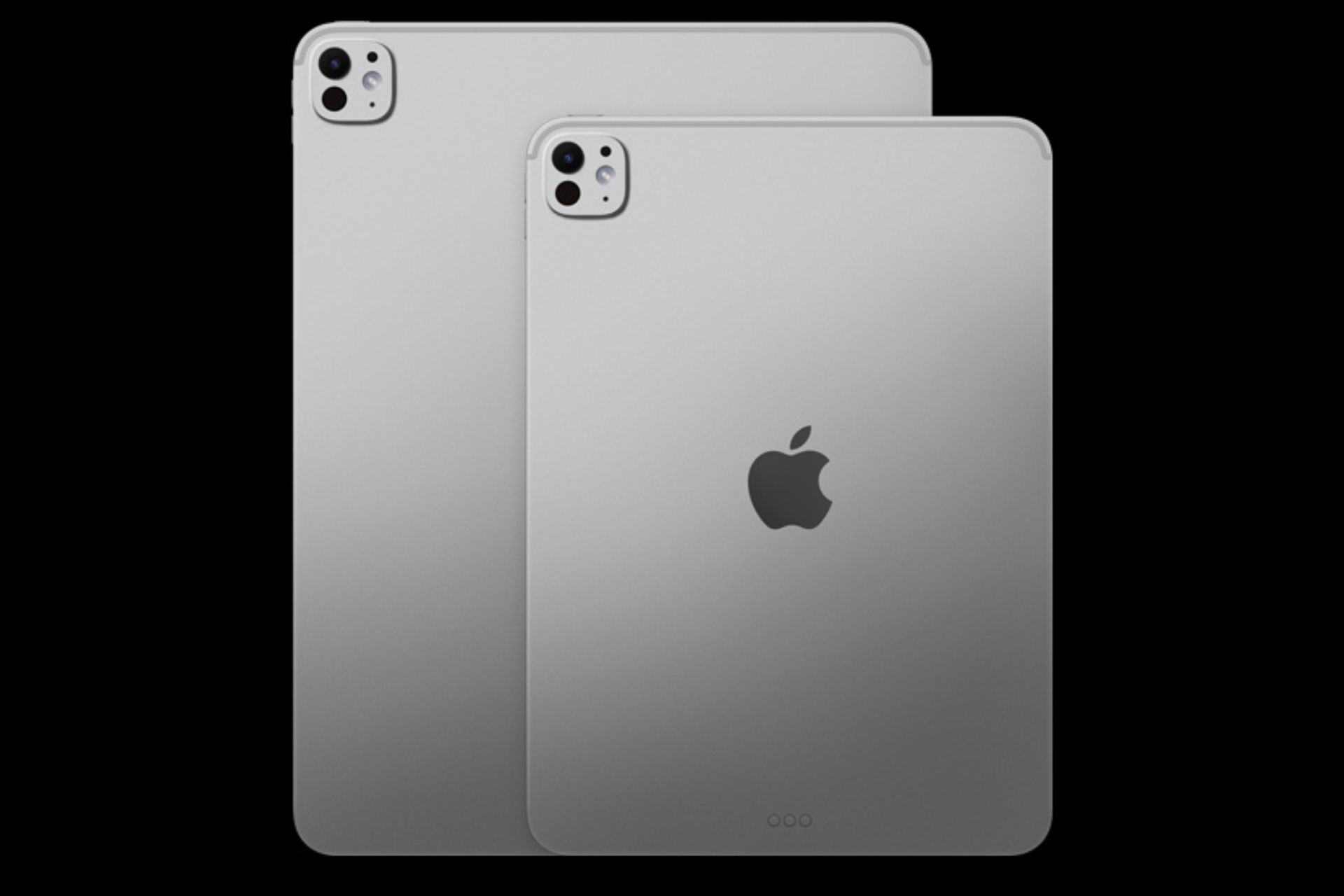
The 13‑inch (or 11‑inch) iPad Pro continues to impress with build quality. It remains ultra‑thin—for example, the 13‑inch version measures about 5.1 mm and weighs under 580g.
The OLED “Tandem” panel (Ultra Retina XDR) remains one of the best displays on any portable device: rich contrast, excellent brightness (peak HDR brightness over 1,600 nits), and a 120 Hz ProMotion refresh rate. Professionals—creators, illustrators, and graphic designers—will particularly appreciate this.
Battery life remains roughly in line with the prior model (about 10 hours of mixed use), but quicker charging is now supported—you can reach 50 % charge in about 30 minutes with the right adapter.
The Future of Computing
iPadOS 26 Elevates the Experience
Hardware is only half the story. The software side matters too, and with iPadOS 26 Apple has brought substantial enhancements. Windowing now looks and works more like a Mac in terms of flexibility: resizable windows, improved multitasking, a better Files app, and support for more robust background tasks.
For you that means if you’re using the iPad Pro as a productivity machine, a creator’s tool, or to replace your laptop, the experience feels closer than ever. Student tech, smart home devices or remote‑work setups all benefit from this kind of power and flexibility.
Who Should Upgrade—and Who Should Wait
If you’re using an iPad Pro with the M1 chip or older, the upgrade to this model will be obvious. But if you already own last year’s M4 version, you’ll need to ask yourself how heavily you push your device. If you do video editing, graphics work, or want the fastest possible performance for AI‑driven apps, go ahead. Otherwise, the gains may not justify the spend. In short:
- Upgrade now if you: rely on your iPad Pro for professional creative work, high‑end multitasking, VR, advanced AI apps, high performance.
- Wait if you: mainly use it for streaming, browsing or light tasks. The prior generation is still excellent.
Key Takeaways at a Glance
- M5 chip brings big gains in GPU/AI workloads, moderate gains in everyday tasks.
- Wi‑Fi 7, Bluetooth 6, Thread support and faster cellular connectivity give better future‑proofing.
- Same premium design and class‑leading display.
- iPadOS 26 brings meaningful upgrades to productivity and workflow.
- Price remains high—assess your usage carefully before upgrading.
Conclusion
In the end, the iPad Pro M5 blends powerful hardware, world‑class display tech and professional‑grade software into a device that reflects modern “tech trends” and “AI advancements” in personal computing. For creators, students heading into university wanting best new tech gadgets, or anyone building a remote‑work arsenal, it’s compelling. But if your usage is lighter, you may find it’s more performance than you really need—and more investment than is necessary. Choose based on your workflow, your tools and your budget. With that in mind, the iPad Pro M5 stands as one of Apple’s most impressive devices—provided you’re willing to pay for that capability.